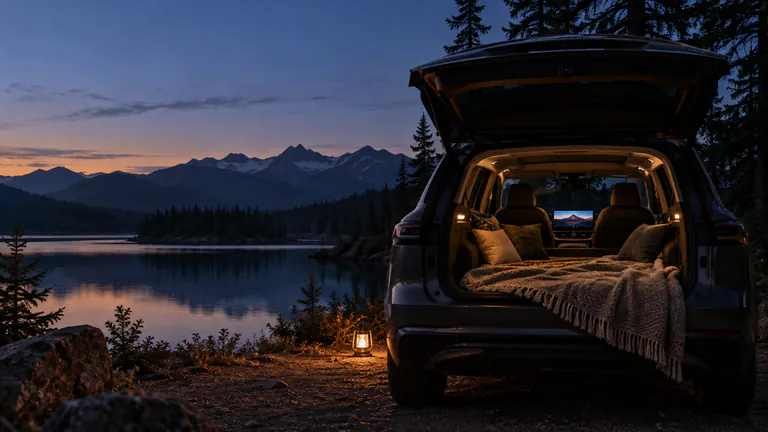
THE STOP IS PART OF THE STORY
Road trip movies. Pack for the pauses.
Prepare road trip movies by saving video files or supported server downloads in Dashow before departure. Test them on your iPhone and compatible car display, then use them for parked breaks along the route. Keep a mix of short episodes and a longer film so the watchlist fits different stops.

- 01
Prepare local movies before the route takes you away from your home connection.
- 02
Pack short and long options for charging stops, evenings, and weather delays.
- 03
Continue Watching keeps one story ready across several parked breaks.
How it works
Your quick start
- 01
Build a small shared watchlist
Choose a feature, a few episodes, and something short before the trip.
- 02
Download and verify
Complete supported server downloads or imports, then test the local copies.
- 03
Check the actual setup
Try the car display, sound, and your preferred subtitles while parked before departure.
- 04
Watch at the stops
Open a saved title during a break and pause before the next part of the journey.
Give the stops as much thought as the route.
A road trip includes more than time in motion. There are charging breaks, meals, check-in waits, and evenings when staying put is part of the plan. A prepared movie or episode gives those stops another possibility, especially when the weather or the timing changes what you had in mind.
Choose together before departure. A few agreed favorites are easier to enjoy than a huge collection that nobody can decide on. Include one short option, a couple of episodes, and a film for the stop that turns into a longer evening.
Do the transferring on a connection you trust.
Import videos from Files or Photos, or connect Plex, Jellyfin, or Emby and download supported titles. Check that each transfer finishes and the saved copy opens in Dashow. A server library showing beautiful artwork at home does not mean those movies have traveled onto your phone.
Look at available storage before adding a whole season. Prepare the titles you expect to watch first and keep some room for the rest of the trip. Dashow’s Storage view helps you see the space used by imported copies and downloads.
Test the viewing setup before the first destination.
Play a known-good local video on iPhone, then select your compatible car display while parked. Check picture, sound, pause, and a later point in the timeline. If you plan to use subtitles or a particular audio track, verify that choice on the actual display too.
This rehearsal separates the film, the phone, and the receiver before you rely on them away from home. A car’s ordinary CarPlay connection is only one part of the picture; the receiver also needs support for the video route you are using.
Let one film follow the whole journey.
You do not need to finish a movie in one stop. Pause when it is time to leave and return through Continue Watching later. For a series, a prepared next episode makes a natural choice for another charging break, without opening a fresh search every time.
Keep a local option even if you also stream from home. Reception varies along a route, and a live channel or remote server connection can become less reliable after a change of location. A stored video gives the viewing session its own dependable starting point.
Refresh the watchlist as the trip unfolds.
When you reach a good Wi-Fi connection, review what you have finished and what everyone wants next. Remove completed copies if you need the space, then download your next selection. Wait for completion before assuming a quick connection has prepared the whole film.
Keep this as a routine for parked stops. The viewing setup described here is for enjoying the car when the journey pauses. Your phone library can also provide a familiar place to resume later, beyond the car, using the content you already brought.
Pack a watchlist for different stops
| Part of the trip | Bring along | Useful preparation |
|---|---|---|
| Charging or meal break | One TV episode | Save the next episode beforehand |
| A longer evening stop | A feature film | Check the whole download and dialogue |
| A short wait | A personal clip or short video | Keep it near the top of your choices |
| Weak reception | An actual local file | Open it without relying on the home server |