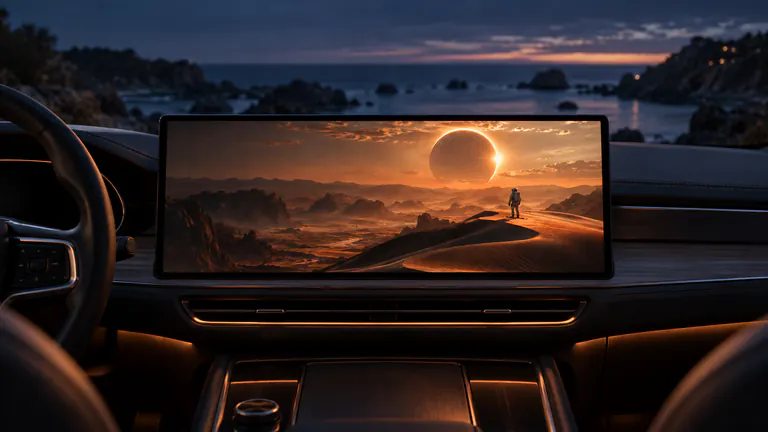
FIND YOUR FRONT ROW
A great picture starts with the right setup.
Dashow is adapted for iPhone Duo. Dashow requires iOS or iPadOS 26.4 or later. Car-screen video needs a compatible vehicle or receiver with video output; CarPlay alone does not establish that support. Screen mirroring also depends on whether the source app permits screen capture.
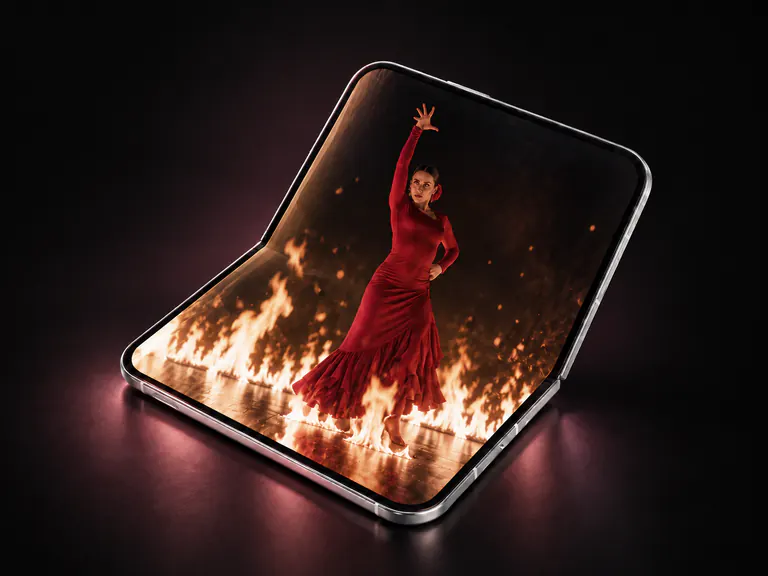
Does Dashow support iPhone Duo?
Yes. Dashow is adapted for iPhone Duo. Dashow also supports iPhone and iPad with iOS or iPadOS 26.4 or later. For playback on a car screen, select a compatible video display in Dashow while parked.
Open Add in Dashow to import a video from Files or Photos, connect Plex, Jellyfin, Emby, SMB or WebDAV, or add a direct video link or M3U playlist. Play a video on iPhone Duo first. To watch in your parked car, select a display that supports video output.
Start with your iPhone or iPad.
Check Settings → General → About for the software version. Dashow is built for iOS and iPadOS 26.4 or later. For the current downloadable build and availability in your region, open its App Store page.
Import a short personal video and play it on the device first. Confirming picture and sound on the phone gives you a clear starting point before adding an external display.
Check the car’s video capability.
Look in the vehicle or receiver documentation for support for video in the car, AirPlay video, or the compatible video route you intend to use. Apple describes video-in-car support as a capability integrated by the automaker. A CarPlay connection for navigation or audio does not by itself confirm video playback.
While parked, connect your phone and open the display picker in Dashow. Select the intended display and test the personal video. Output can vary with the vehicle, receiver, software version, and media format; there is no verified all-car compatibility list for Dashow.
Give screen sharing the right content.
Open Cast to Car, choose the display, and start sharing. Then open an app that allows screen capture. A personal clip is a useful first example because it avoids subscription-service playback restrictions.
Protected streaming content can limit recording, mirroring, or external output. If ordinary content works but a protected film does not, check that service’s supported playback options. If you change or reconnect displays, start a fresh screen-sharing session.
Your first-watch checklist.
A good first test is deliberately simple. Once it works, bring in your favorite sources and build the library around your everyday stops.
- iPhone or iPad on version 26.4 or later.
- A vehicle or receiver with compatible video output.
- Car parked and the intended display selected.
- A short, unprotected video that plays on the phone.
- For mirroring, an app that permits screen capture.