OUT OF OFFICE. INTO A GOOD STORY.
Your car lunch break. Now with a next episode.
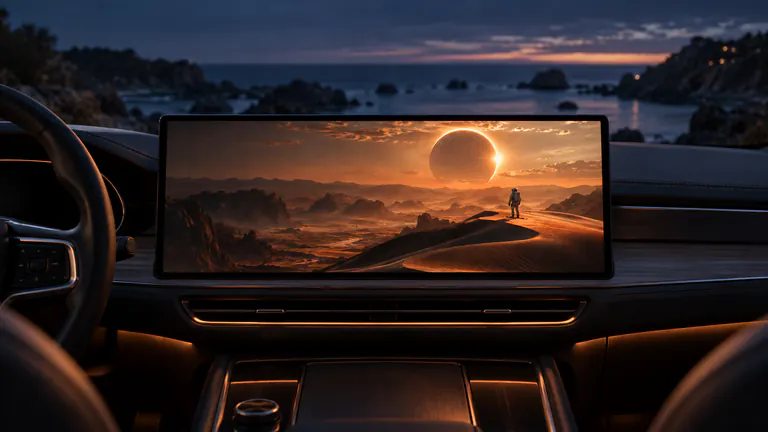
For a car lunch break, prepare an episode or short movie in Dashow before leaving home, then play it through a compatible CarPlay video display while parked. A local download makes the routine independent of workplace Wi-Fi, and Continue Watching helps you return to the same story on another day.

- 01
Pick one episode before noon so the break is spent watching, not deciding.
- 02
A completed local download works without streaming from your workplace connection.
- 03
Pause at the end of lunch and return to the saved place next time.
How it works
Your quick start
- 01
Pick tomorrow’s episode
Choose a show you already follow or a short video that fits the break.
- 02
Prepare on home Wi-Fi
Complete a supported server download or import a local video in Dashow.
- 03
Set up once parked
Connect your iPhone, select the compatible car display, and check the picture.
- 04
Keep the break on your terms
Use your usual reminder, pause when needed, and come back through Continue Watching.
Give lunch its own small ritual.
A break feels different when you have something to look forward to. You might already bring your lunch, find a familiar parking spot, or save a few minutes for yourself. A favorite episode can become part of that routine, with no need to choose a new activity every day.
Pick a series whose pace suits a stop you can pause. A short episode may fit the whole break; a longer one can carry over to tomorrow. The useful part is having a story you want to return to, without needing the exact same amount of time each day.
Do the browsing before the break begins.
Connect your Plex, Jellyfin, or Emby library in Dashow and choose the next episode. The show’s seasons and episode information help you find the right place. Download a supported title on Wi-Fi before leaving, or import a video already in Files or Photos.
Check the saved copy on iPhone once. Look for a working picture, clear dialogue, and the point where you expect to begin. A thumbnail alone is not the check: you want the actual video ready when noon arrives.
Give the episode a comfortable screen.
With the car parked, connect your iPhone and open Dashow. Select your compatible car video display from the player and confirm playback. Use the vehicle’s documented parked display setup and a comfortable listening level for the place you are taking your break.
If this is your first lunch in the car with video, test the setup ahead of time. A local personal clip keeps the first check simple. Once you have confirmed your receiver supports video, you can make the same connection part of the everyday routine.
Let the story remember your place.
At the end of lunch, pause. Continue Watching brings the unfinished episode back into view next time. When the server and title support it, playback progress also follows the connected library, helping your lunch-break watch fit into the way you already watch at home.
Keep your usual return-to-work reminder available. Dashow does not schedule your break, and there is no need to wait for the credits. The episode can stop when you do and remain a small thing to look forward to tomorrow.
Keep a couple of choices for different days.
Some days call for the next episode. Others suit a personal travel video, a few minutes of a film, or a YouTube creator you follow. Keep a saved local option for uncertain reception and use Cast to Car when the content you want is in another app and permits sharing.
Refresh the selection when the routine needs something new. Remove finished downloads in Storage, then prepare the next title. A short, familiar library is enough to make the first tap of your break feel easy.