THE CHARGING BREAK, REIMAGINED
Watch movies while charging. A better kind of waiting.
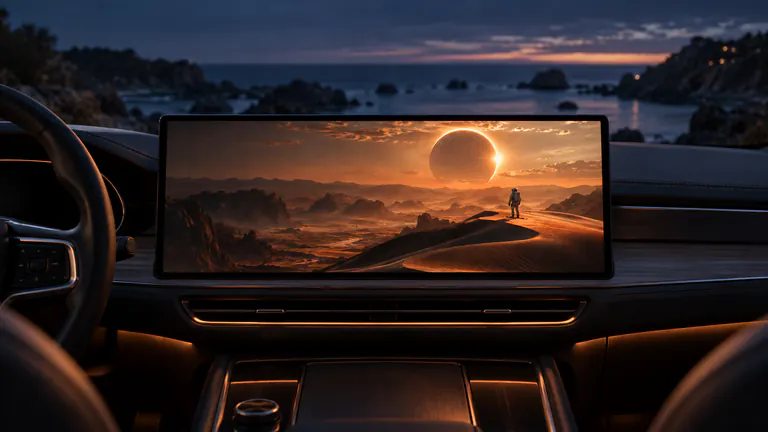
To watch movies while your EV charges, prepare a video in Dashow on your iPhone, park and connect to a car display that supports video, then select that display and play. A saved episode is a useful first choice because it does not depend on the charging site’s Wi-Fi or mobile reception.
- 01
Choose an episode or a film you can pause before you reach the charger.
- 02
Prepare a local copy so charging-site reception does not decide what you watch.
- 03
Resume through Continue Watching when a later charging stop gives you more time.
How it works
Your quick start
- 01
Choose your charging-stop watch
Pick an episode, a chapter of a film, or a favorite short video.
- 02
Prepare it before leaving
Import the file or finish a supported media-server download on Wi-Fi.
- 03
Connect once parked
Start charging, connect your iPhone, and select the compatible car display.
- 04
Pause when you are ready
Keep your charging status available and stop playback when the break is over.
Turn the charging interval into your next episode.
A charging break already gives you a place to sit and a little time away from the next task. Having a show ready changes how that interval feels. Instead of opening several apps to decide what to do, you can continue something you wanted to watch anyway.
Choose around the time you expect to have, without needing an exact charging prediction. A short video gives you a complete moment. An episode makes a familiar routine. A longer film works when you are happy to pause and return to it across more than one stop.
Make the decision before you reach the charger.
Bring a movie from Files or Photos, or connect Plex, Jellyfin, or Emby and select the episode you want next. Start a supported download while you have a good Wi-Fi connection. Wait for it to complete, then open the saved copy and check a scene on iPhone.
This small preparation step removes two decisions at the charger: what to watch and whether the local connection can stream it. Leave yourself a second option if you often share the car with someone whose idea of a good episode is different from yours.
Give the show a place on your car display.
Once parked and connected at the charger, open Dashow and select your video. Choose the compatible car display through the player’s display control. Check the actual picture and sound before settling back. Your vehicle or receiver must support video; an ordinary CarPlay connection is not that confirmation.
Use a local video for your first test, ideally before the first charging stop where you plan to watch. With that setup familiar, the repeat routine becomes much shorter: connect, find Continue Watching, and return to the story.
Keep your charging plan easy to follow.
Set the charging notification or check-in you normally use, and choose content that you are comfortable pausing. Dashow is your viewing app; it does not estimate charging time or manage the charging session. Keeping that separate means you can enjoy the watch without treating an episode’s end as the signal to leave.
When the break is over, pause the video and finish your usual charging routine. Continue Watching keeps your place for another parked moment. A film can unfold over several stops without needing to remember which scene you reached.
Have a local answer to unreliable reception.
Charging-site Wi-Fi and mobile data can vary from one stop to the next. If a server stream pauses or a live channel will not open, try your prepared local copy. When that plays, you have separated the viewing setup from the network problem and can enjoy the break rather than troubleshoot the provider.
For a YouTube video or TikTok clip instead of a saved film, use the dedicated Cast to Car guide. Those source apps have their own content and connectivity requirements; a Dashow movie download is a separate way to arrive prepared.
Choose something that fits the stop
| Your available time | A useful choice | Why it fits |
|---|---|---|
| A brief top-up | A short personal or creator video | A complete watch in a small gap |
| An episode-sized break | Your next saved TV episode | Easy to choose and resume |
| A longer stop | A movie already under way | Continue from the place you saved |